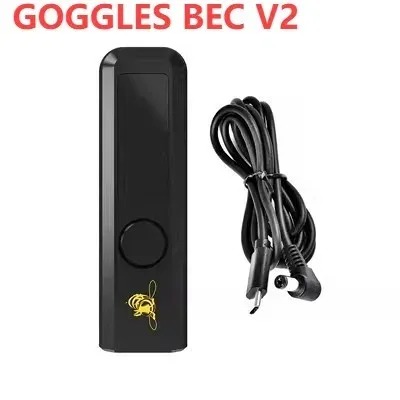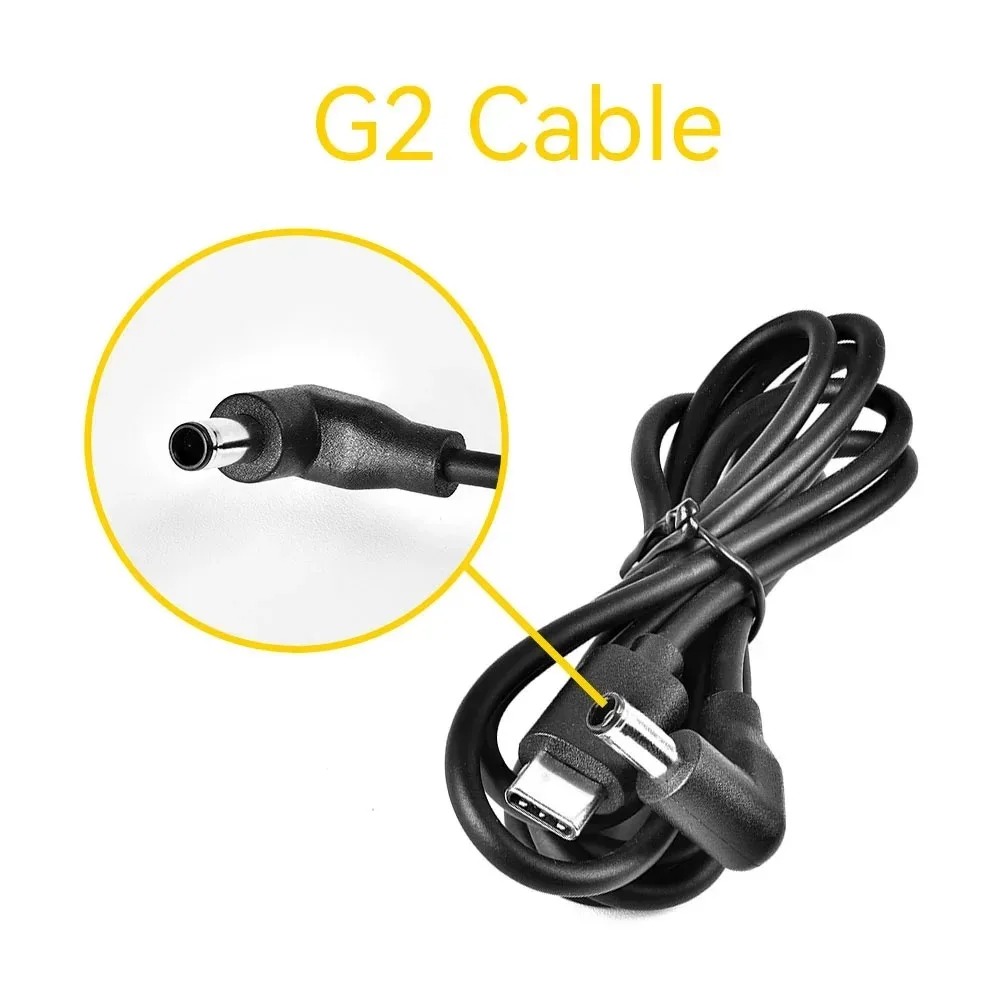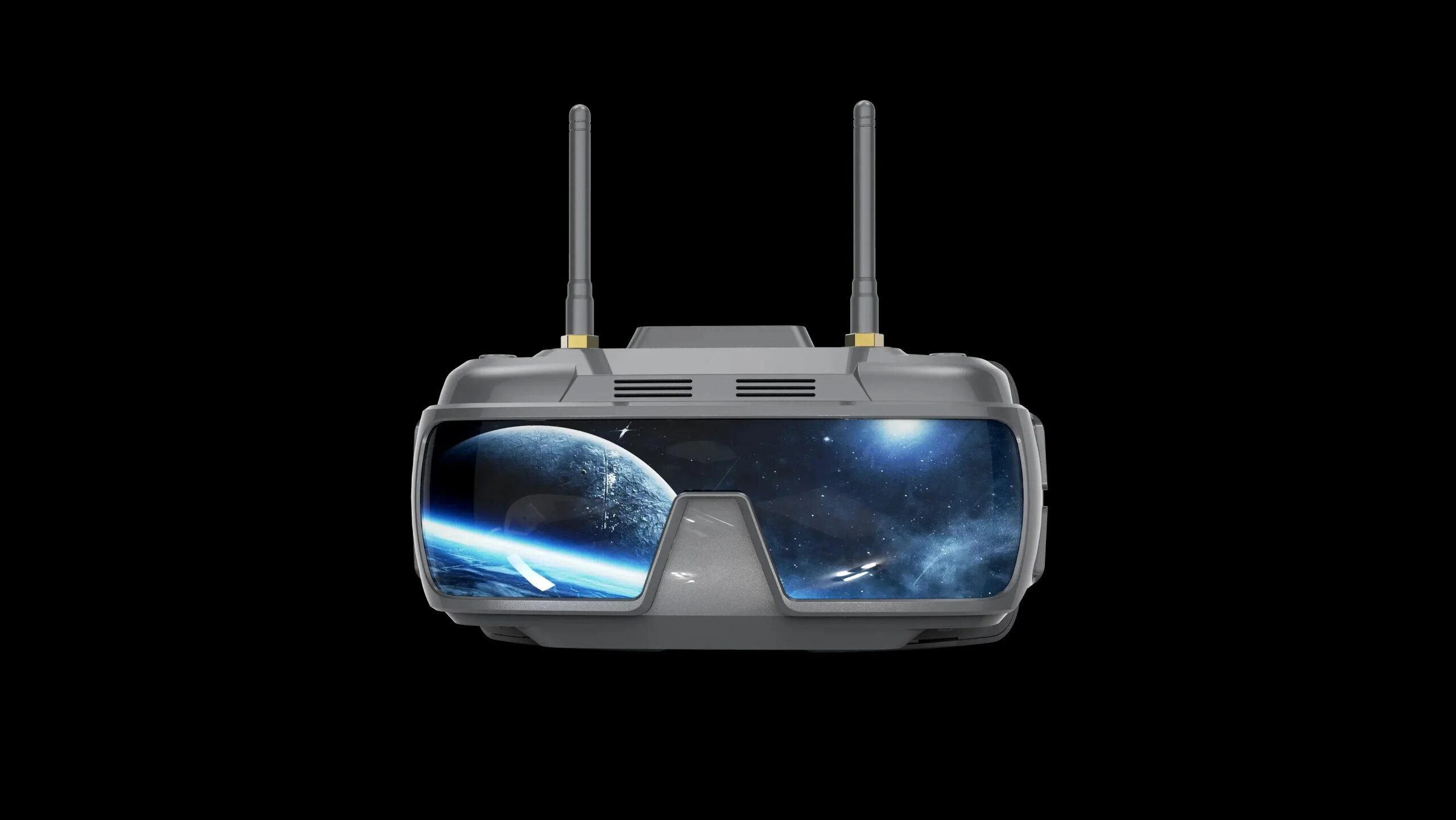
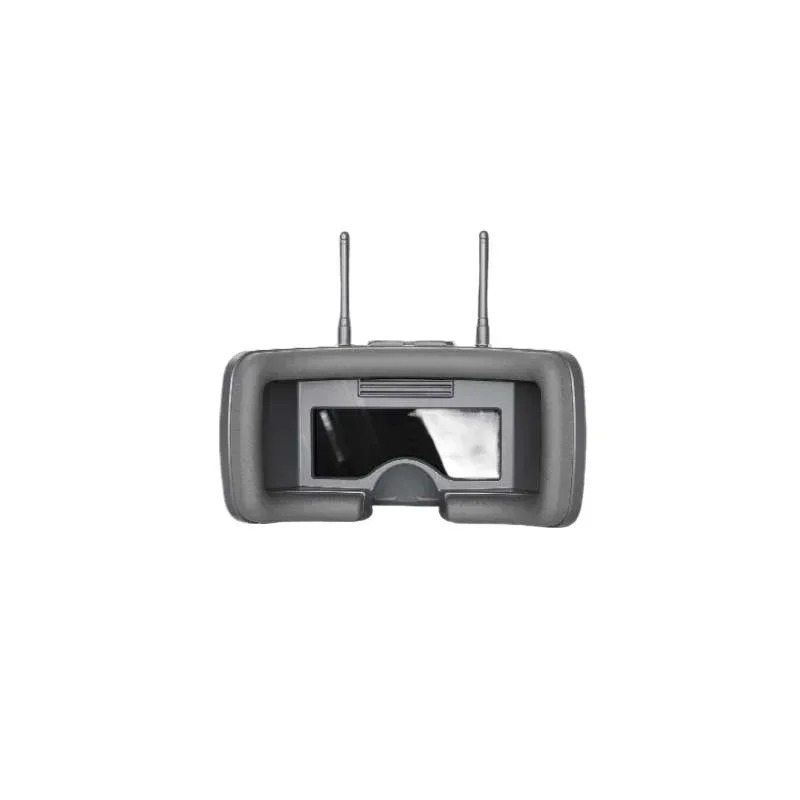
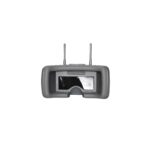
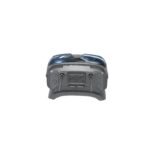
Description
Description
Product features:
New refractive optical path design, small size and light weight;
The object distance can be adjusted to match 0-700 degree myopia
Low power consumption, working current of 1100mA;
High-sensitivity dual-filtering 5.8G receiving module, strong anti-interference, dual diversity reception, and more stable signal;
The module adopts universal 40 channels with automatic frequency searching function;
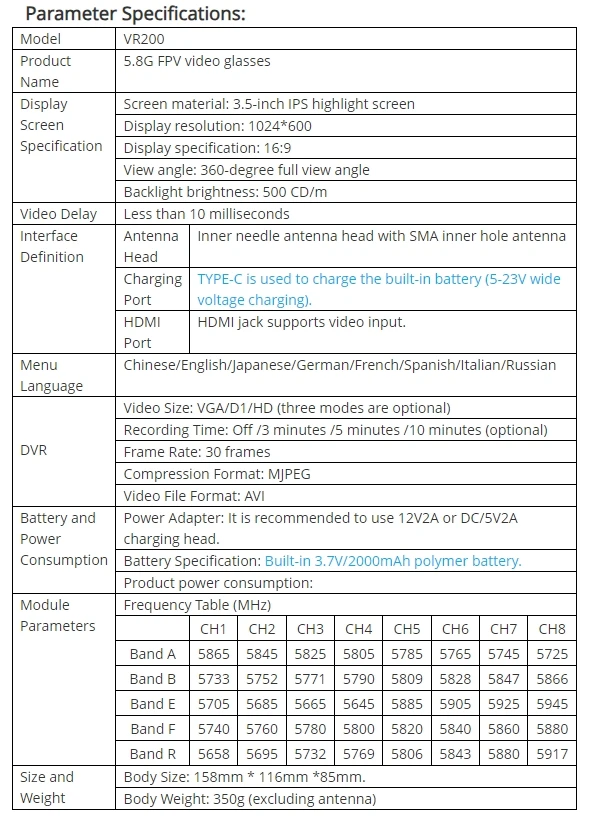
Adopt 3.5-inch 1024*600 resolution high brightness IPS screen;
Built-in 3.7V/2000mAh large-capacity li-polymer;
Universal TYPE-C charging interface, which supports 5-23V wide voltage charging;
Real-time video return with zero delay;
Support menu in 8 languages;
Support external HDMI signal input;
Support HDMI signal video input DVR for recording;
Key Definition:
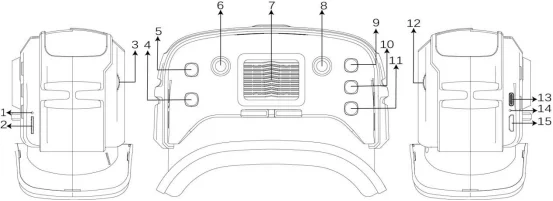
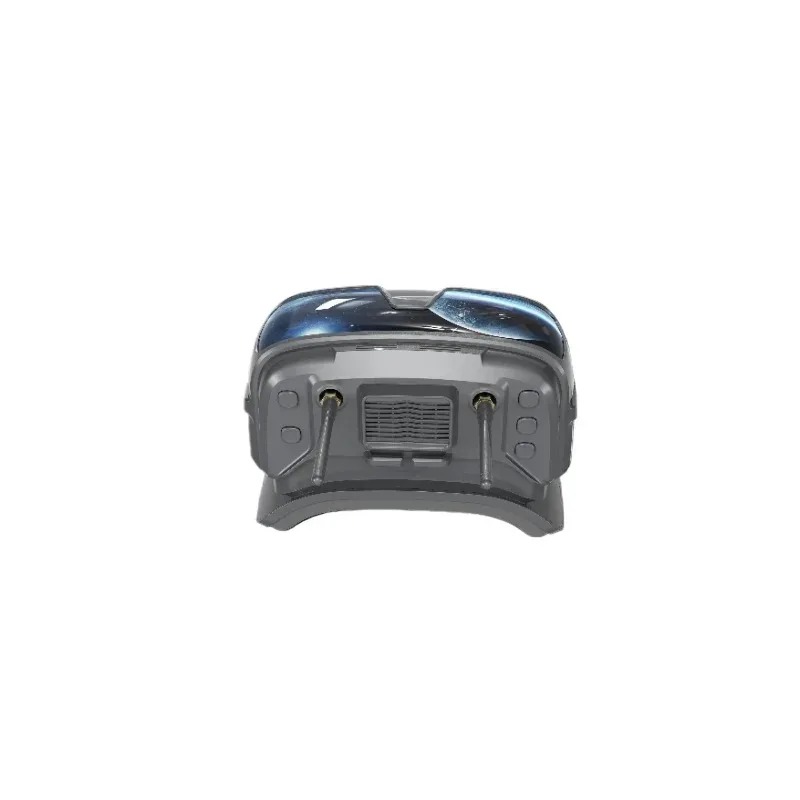
Key/Interface Function Description:
1. Video instruction: Display different working states of DVR.
2. TF card: TF card slot (maximum 32G high-speed memory card can be inserted)
3. Adjusting gear A: Rotating the gear can push the position of the inner lens to move, thus adjusting the object distance.
4. Power button: long press (3 seconds) to turn on/off; Short press to enter the menu and switch to the next menu every time you press it.
5. Search button: short press the automatic search signal (finally lock the frequency point with the strongest signal). Long press for 3 seconds to enter the HDMI input mode.
6. Antenna head A: Inner needle antenna head is equipped with SMA inner hole antenna.
7. Fan outlet
8. Antenna head B: Inner needle antenna head is equipped with SMA inner hole antenna.
9. Band+button: short press to switch frequency band (cyclically switch A-B-E-F-R frequency band). In menu mode, it is-.
10. RED button: short press to start recording/stop recording.
11. CH+key 11: short press to switch frequency points (cyclically switch frequency points 1-2-3-4-5-6-7-8), which is+in menu mode.
12. Adjusting gear B: Rotating the gear can push the position of the inner lens to move, thus adjusting the object distance.
13. Charging port: TYPE-C interface is adopted to support DC5-23V charging.
14. Charging instruction: red when charging, and green when full.
15. HDMI interface: mini HDMI jack is adopted to support external video input.
Menu instruction:
In boot mode, press Power briefly to enter the menu bar.
In the menu bar mode:
Key 4: Scrollable option
Key 5: Automatically search for channels.
Key 9: Parameter Adjustment+
Key 10: Invalid
Key 11: Parameter Adjustment-
Playback instruction:
In menu mode, select DVR option to enter DVR playback mode.
In DVR mode:
Key 4: Return/Exit the playback mode.
Key 5: Delete the current file.
Key 9: Select video forward/adjust fast forward when playing video.
Key 10: Play/Pause
Press key 11 to select the video backward/adjust the rewind when playing the video
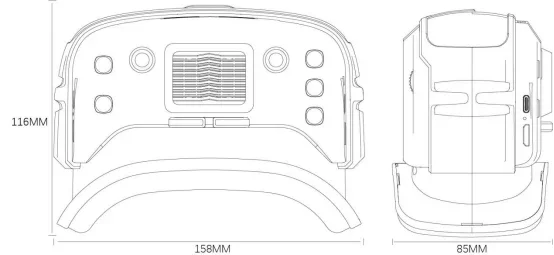
Dimension Drawing:
Antenna and headband are not included.